
CMS implementation agency
Get your CMS right the first time.
A strong CMS implementation creates a foundation for growth. We configure content, workflows, and governance so your team can publish confidently and your website can evolve without constant rework.
Composable CMS expertise
The right platform, implemented around your team.
- SanityHeadless CMS
- ContentfulHeadless CMS
- StoryblokHeadless CMS
- DatoCMSHeadless CMS
- BuilderVisual CMS
- ContentstackEnterprise CMS
- WordPressTraditional CMS
- WebflowVisual web platform
- HubSpot CMSMarketing CMS
Why teams trust us with CMS implementation.
A CMS succeeds when it supports the people using it and the experiences it powers. We look beyond platform setup to create an editorial system that remains clear, flexible, and maintainable over time.
Flexible content blocks
Reusable sections balance editorial creativity with dependable layout structure.
Built for scale
Models and governance account for future pages, regions, channels, and teams.
Rapid, reliable delivery
Clear milestones and repeatable migration practices support speed without shortcuts.
Practical CMS guidance
We surface platform pitfalls and workflow tradeoffs before they become expensive.
Our CMS implementation process
From platform decision to confident publishing.
 01 / Platform and workflow discovery
01 / Platform and workflow discovery
Choose a CMS around how your team actually works.
We assess content operations, publishing volume, integrations, localization, governance, technical constraints, and growth plans before recommending a platform or architecture.
Editorial workflows
Understand who creates, reviews, approves, and publishes content.
Platform fit
Compare options against real team, content, and technical needs.
Integration needs
Account for CRM, analytics, search, commerce, and localization.
Governance model
Define roles, permissions, review steps, and ownership early.
02 / Content architecture
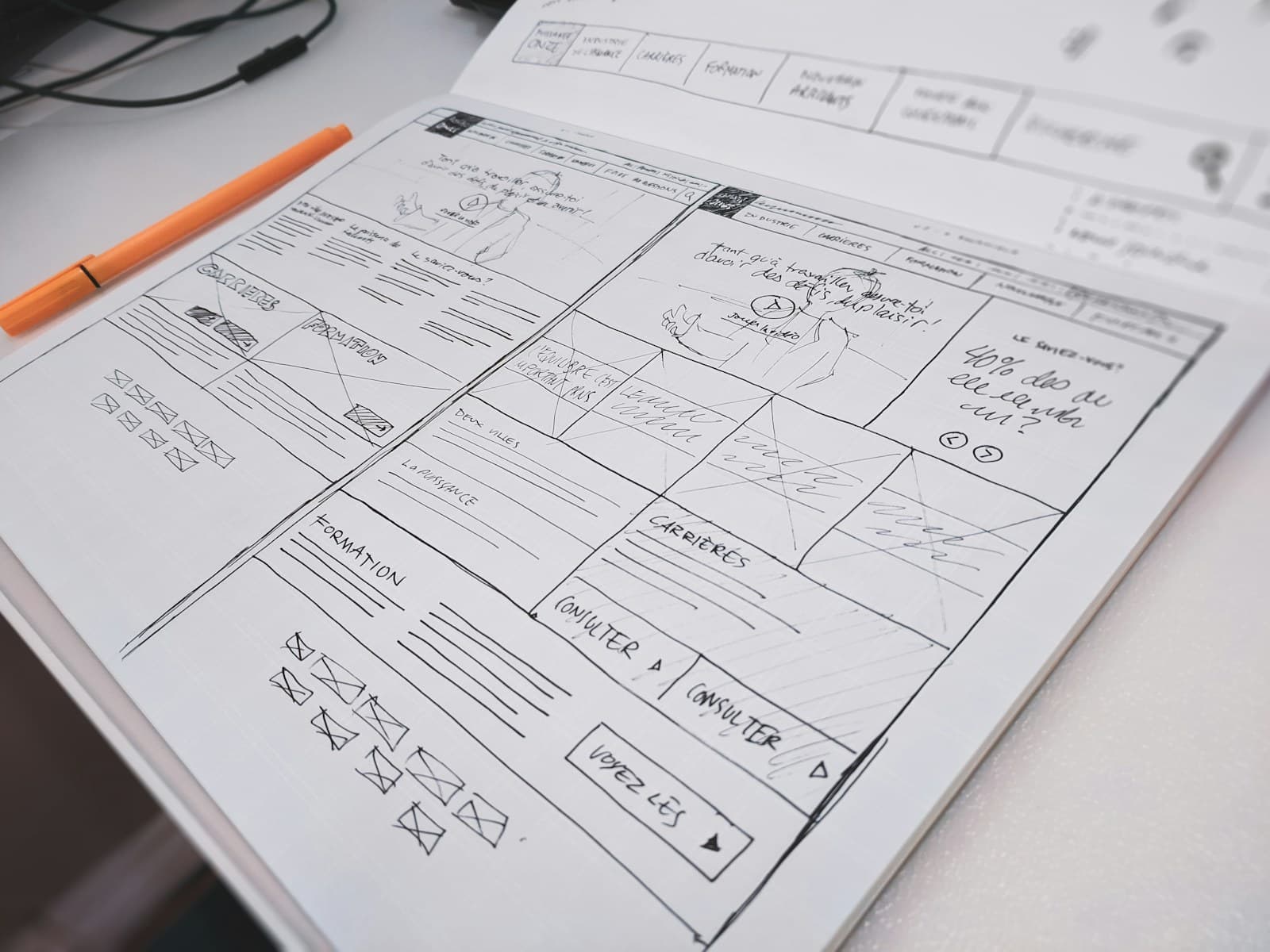
Model content for reuse instead of recreating pages.
We structure content around meaningful entities, reusable sections, relationships, and editorial intent so updates remain consistent and new experiences can build on what already exists.
 02 / Content architecture
Content types
Represent products, people, resources, pages, and shared information clearly.
Flexible page blocks
Balance creative assembly with guardrails that protect quality.
Shared references
Store reusable content once so updates flow to every relevant location.
Localization readiness
Plan fields, references, fallbacks, and workflows for regional content.
 03 / Implementation
03 / Implementation
Connect structured content to a polished website experience.
We configure environments, schemas, previews, permissions, validation, media handling, and frontend components so the CMS is dependable for editors and developers alike.
Schema development
Translate the content model into clear fields, validation, and relationships.
Live previews
Let editors understand changes before content is published.
Editorial guardrails
Prevent broken layouts without limiting useful creative control.
Frontend integration
Map CMS entries predictably to responsive production components.
04 / Migration and validation
Move content without carrying every old problem forward.
We inventory, clean, transform, migrate, and validate existing content. Redirects, metadata, relationships, media, and critical page output are checked before the transition is complete.
 04 / Migration and validation
Content inventory
Decide what should migrate, merge, change, archive, or redirect.
Transformation rules
Convert legacy content into the structure of the new model.
Migration scripts
Make transfers repeatable and easier to validate before launch.
Content QA
Verify completeness, formatting, references, media, metadata, and routes.
 05 / Training and governance
05 / Training and governance
Give your team confidence to manage what comes next.
We provide practical documentation and role-specific training, then establish ownership and contribution practices that keep the CMS useful as the website and organization evolve.
Editor training
Teach common publishing tasks using realistic team workflows.
Documentation
Explain content patterns, fields, previews, permissions, and publishing.
Clear ownership
Define who governs models, permissions, quality, and platform changes.
Ongoing improvement
Use feedback and publishing data to refine the editorial experience.
Flexible, fast, and future-ready
Planning a new build or fixing the CMS you have?
We can help evaluate the platform, restructure content, migrate an existing site, or improve the editorial experience without replacing everything.
Frequently asked questions
Questions about CMS implementation.
How do you choose the right CMS for a marketing website?
We compare platforms against editorial workflows, content complexity, localization, integrations, preview needs, governance, security, hosting, developer experience, operating cost, and the capabilities of the team that will maintain it. The right CMS is the one that fits the complete organization, not simply the longest feature list.
What does a CMS migration involve?
A migration typically includes content inventory, model design, cleanup decisions, mapping and transformation rules, scripts or controlled manual entry, asset handling, metadata and redirect planning, repeated test migrations, content QA, editor training, and a carefully sequenced production cutover.
How do you make a CMS easy for non-technical teams?
We use clear field names, helpful instructions, sensible defaults, visual previews, reusable blocks, validation, purposeful permissions, realistic content examples, and role-specific training. Flexibility is paired with guardrails so editors can move quickly without accidentally breaking the experience.
Should we use a headless or traditional CMS?
Headless platforms can be a strong fit for composable architecture, multiple channels, custom frontend performance, and structured content reuse. Traditional platforms can be effective when teams value an integrated editing and delivery environment. We recommend based on workflow, ownership, complexity, and long-term cost rather than treating either approach as universally better.
Why work with a CMS implementation agency?
An experienced partner brings content strategy, platform architecture, frontend integration, migration, QA, training, and governance together. That broader view helps teams avoid models that look reasonable at launch but create publishing bottlenecks, duplicated content, or expensive rework later.
Build a better publishing foundation
Make content easier to create and scale.
Tell us where your current CMS or publishing workflow is slowing the team down.